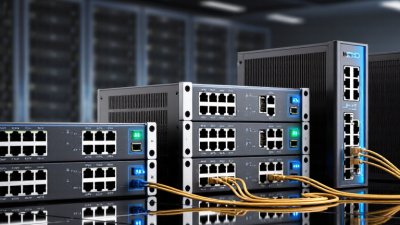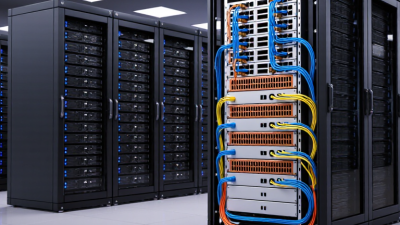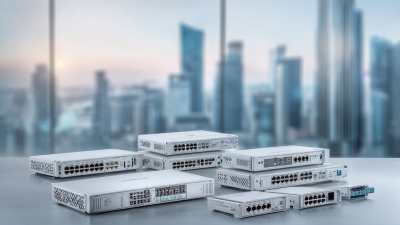
Choosing the right Juniper Ex Switches for a business network starts with the work they must support. A quiet office with a few access points has different needs from a busy campus floor filled with phones, cameras, and wireless clients. Port count matters, but so do PoE capacity, uplink speeds, and room for growth. Small details matter.
This guide compares leading Juniper EX options for common business environments, focusing on practical fit rather than model names alone. It considers network scale, deployment flexibility, management tools, and the features available across different product generations. Specifications can vary by model and software release, so confirm current Juniper documentation before making a purchase. Availability and support terms may also differ by region.
There is no universal best switch. A compact model may suit a small wiring closet, while a larger deployment may call for higher port density and faster uplinks. Yet extra capacity can mean extra cost and complexity. That trade-off deserves a closer look. The right choice depends on connected devices, traffic patterns, power needs, and the skills of the team maintaining the network. This overview offers a clear starting point, while leaving room to question assumptions and verify details against your own requirements.
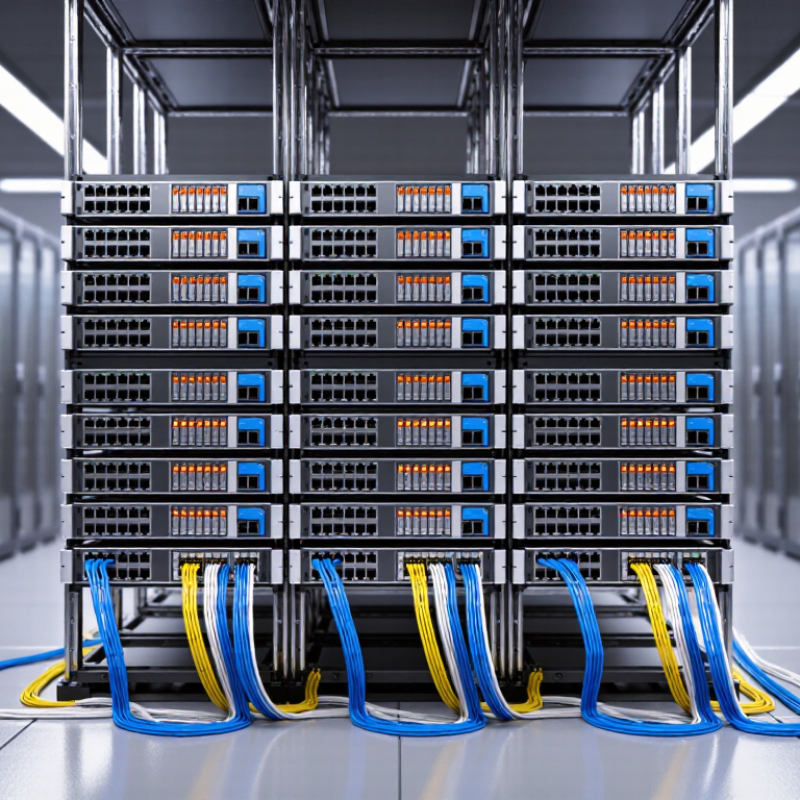
In a business network, an enterprise switch connects staff devices, wireless access points, printers, and servers. EX-class switches are commonly used at the network edge, where many everyday connections begin. They can also support aggregation, collecting traffic from several access switches before it reaches core systems. Placement matters. A switch in a wiring closet may need quiet operation, PoE for access points, and enough uplink capacity for busy periods.
Features should match real workloads, not just a specification sheet. VLANs help separate guest, office, and voice traffic. Access controls can limit which devices reach sensitive resources. PoE budgets deserve careful checking: a switch may have enough ports but insufficient power for every connected device. Check uplink speeds, redundancy options, and management tools against the network’s actual design. Small details matter.
For a typical office, record the number of wired devices, expected growth, and power needs before choosing a model. Review monitoring and configuration workflows, too; clear alerts can help staff spot a failing link before users report it. A larger switch is not automatically better. And no, specifications alone are enough. Real traffic patterns can surprise even experienced teams, so leave room to test assumptions during deployment.
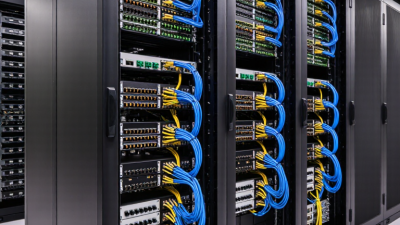
Choosing a 2026 business switch starts with the job each family must do. Compact models suit small offices and closets with limited space. Access-layer models connect desks, phones, cameras, and wireless access points. Higher-capacity models fit aggregation roles, where many links converge and uplink speed matters. Fit matters more. A quiet, low-power switch may serve a branch better than a feature-rich unit built for a crowded campus.
Compare models by port count, uplink capacity, PoE budget, and redundancy options. Check whether the power budget can run every planned device at once, especially during busy hours. IDC reported that worldwide Ethernet switch revenue reached $11.8 billion in Q4 2023, up 7.8% year over year, in its Worldwide Quarterly Ethernet Switch Tracker. That market figure signals broad demand, but it does not prove that one switch family suits every site.
For a small wiring closet, count copper ports and confirm that uplinks leave room for growth. For a multi-floor campus, compare stacking or virtual-chassis options, recovery behavior, and management visibility. A datasheet rarely captures the full operational picture. Heat, cable paths, and noisy fans matter too. Even careful planning can miss a detail: spare power capacity may be more useful than maximum port speed when access points are upgraded later.
Match switch features to the work happening at each site. A 40-person office may need quiet, compact switches with enough ports for laptops, phones, and wireless access points. A warehouse may need stronger uplinks and power for many access points and cameras. Count current devices, then add room for growth. Guessing too high wastes budget; guessing low means disruptive replacements.
Security and recovery needs matter, too. The 2024 Data Breach Investigations Report found that human involvement appeared in 68% of breaches. The 2024 Cost of a Data Breach Report estimated the global average breach cost at $4.88 million. These figures do not mean a switch prevents breaches. They do show why access controls, network segmentation, and useful event logs deserve attention alongside port speed.
For a small branch, simple management and redundant uplinks may matter more than advanced routing. A larger campus may need centralized configuration, traffic visibility, and support for separate staff, guest, and device networks. Check PoE budgets against actual access-point and phone needs, not just port counts. A caveat: feature lists rarely reveal how easy troubleshooting feels at 3 p.m. on a busy Monday. Test the management workflow and failover behavior before standardizing across sites.
Choosing an access switch means matching real workloads, not chasing the largest number on a product sheet. Test expected traffic with voice calls, video meetings, and file transfers running together. Check uplink capacity, port count, and power delivery for cameras or wireless access points. A switch that handles today’s load may feel cramped after a new office floor opens. Measure under realistic conditions.
Security and management affect daily operations just as much as throughput. Look for role-based access, network segmentation, secure administrative protocols, and timely software updates. Centralized monitoring can help teams spot errors, rising port use, or unusual traffic before users report an outage. Still, automation is not magic. Poorly planned policies can spread mistakes quickly, so test changes on a small group of ports first.
Tips: Ask for a hands-on trial with your own devices. Review update history and support terms. Check whether the management dashboard shows clear alerts, not just dense graphs. Keep a simple recovery plan nearby. It gets overlooked. Compare measured performance with your actual needs, and leave room for growth; forecasts are often wrong.
Planning a business switch deployment starts with a site survey, not a port-count guess. Record device locations, cable paths, fiber types, power availability, and peak wireless demand. A 48-port switch may look spacious until cameras, access points, and phones consume its PoE budget. Leave capacity for growth, but avoid buying ports nobody can use. Keep headroom.
Uptime Institute’s 2024 Annual Outage Analysis reported that 54% of respondents’ most recent significant outages cost more than $100,000. That figure makes redundancy and tested recovery plans practical investments, not paperwork. Still, forecasts are guesses; validate them against real traffic and building constraints.
For expansion, document uplink capacity, VLAN assignments, firmware versions, and rack locations before adding hardware. A simple diagram beside the rack can save hours during an outage. Schedule configuration backups and software maintenance, then test failover during a controlled window. Keep a spare power supply or switch only where replacement delays justify the cost. Support plans should name response times, escalation contacts, and ownership for every change. I would review these details quarterly. Even a tidy runbook can miss a cable moved during a rushed office refit. Regular audits catch those small surprises before they become network-wide problems.