Leave Your Message

What Is a Juniper Router and How Does It Work?

A Juniper Router is a network device that directs data between connected networks. It examines packet headers, selects routes, and forwards traffic through the appropriate interface. Think of packets moving across a busy office network: the router uses its configuration and routing information to choose their next hop.

Cisco’s Visual Networking Index forecast global IP traffic would reach 396 exabytes per month by 2022. That forecast is historical, not a current measurement, but it shows why scalable routing matters. The number alone does not explain network design.

RFC 1812, a foundational router specification edited by routing expert Fred Baker, describes a router as “a device that forwards Internet Protocol (IP) packets.” The definition is concise. Real networks are less tidy. A Juniper device can use Junos OS, routing protocols, and configured policies to manage how traffic travels. Its control plane learns and evaluates routes; its data plane forwards packets. Exact capabilities vary by model and software release.

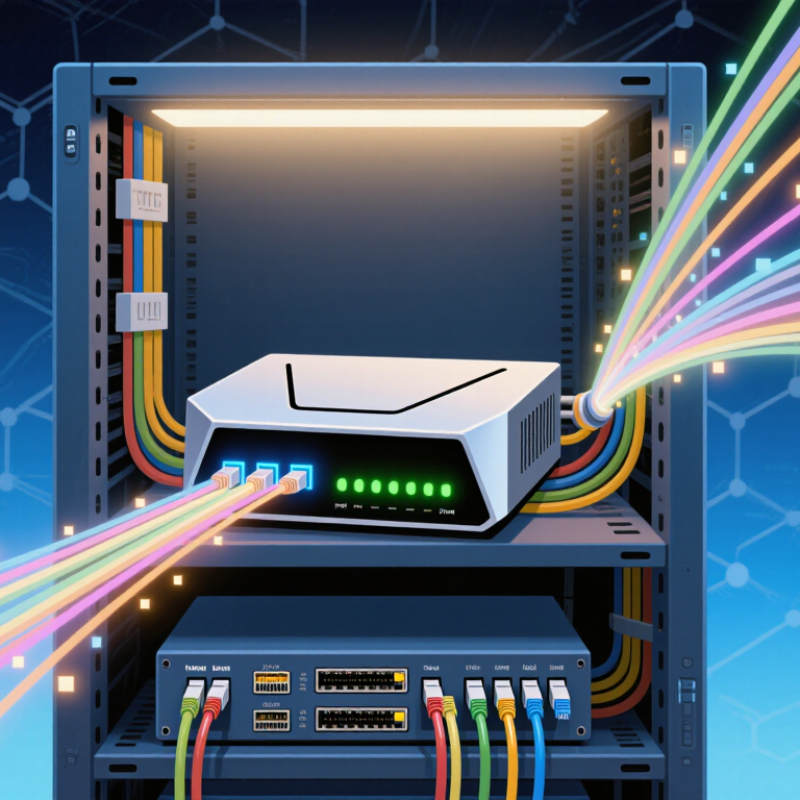
On a rack, this work is mostly invisible: fiber links blink, traffic arrives, and the router makes forwarding decisions in milliseconds. Juniper’s technical documentation describes platform features and configuration in detail, but specifications should be checked against the exact model. A router is not a magic box. Poorly planned policies or capacity can still create bottlenecks. Understanding what a Juniper Router does—and what it cannot guarantee—makes the rest of this guide more useful.
What Is a Juniper Router and How Does It Work?

What a Juniper Router Is and Its Role in a Network

A service-provider router moves data between networks and directs each packet toward its destination. It connects physical links, such as fiber lines, and uses routing information to choose a path. Think of a busy junction with thousands of lanes. The router checks each packet’s destination, then forwards it through the appropriate interface. Its control functions maintain route information, while its forwarding hardware handles traffic at speed. These parts must work together. A route can look valid yet perform poorly when a link is congested or a configuration is outdated.

Routers also help networks exchange reachability information through protocols such as BGP and OSPF. Operators use these protocols to respond to link failures and keep traffic moving. The scale is substantial: the International Telecommunication Union’s Facts and Figures 2024 estimates that 5.5 billion people were online that year, or 68% of the world’s population. That figure is not a count of router users per device, but it illustrates the demand networks must support. In practice, capacity planning still involves uncertainty. Traffic changes by hour, and a clean diagram cannot reveal every bottleneck. A router is only one part of the path; cables, policies, and neighboring equipment matter too.
The Main Hardware and Software Components of a Juniper Router

The Main Hardware and Software Components of a Router

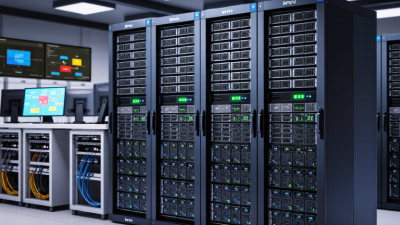
A router moves packets between networks by checking their destination addresses and selecting a path. Inside, a forwarding chip handles routine packet movement at high speed. A processor runs management tasks and routing decisions, while memory stores tables, configuration, and temporary data. Ports connect the device to fiber, copper, or other network links. Fans and power supplies keep it stable under load. Small parts matter.

Software gives these components instructions. The operating system manages interfaces, security rules, monitoring, and updates. Routing protocols such as BGP and OSPF exchange path information with neighboring routers. The control plane calculates routes; the data plane forwards packets using those decisions. The division is useful, but not perfectly clean: a bad configuration can affect both. ITU’s Facts and Figures 2024 estimated that 5.5 billion people used the internet, or 68% of the world’s population. That scale makes dependable routing essential.

When assessing a router, engineers examine port capacity, forwarding performance, memory, and failover behavior. They also test how quickly it recovers after a link drops. The interface may show healthy status while a congested uplink still delays traffic. A dashboard is not proof. One practical check is to compare interface counters with real application response times, then inspect logs for repeated route changes. The overlooked detail is often the cabling or configuration, not the processor.

What Is a Juniper Router and How Does It Work?

A router’s forwarding hardware examines packet headers and sends traffic through the appropriate interface, while its software manages routing and device operation.

Bytes in a Standard Ethernet Frame

This example shows an untagged Ethernet II frame carrying IPv4 and TCP over a 1500-byte MTU. The frame totals 1518 bytes, excluding the preamble, start-frame delimiter, and interpacket gap.

How a Juniper Router Receives and Forwards Network Traffic

A router receives traffic through a physical or virtual interface. An Ethernet frame arrives with a destination address, while its enclosed packet carries source and destination IP addresses. The router checks the frame for errors and removes its link-layer header. Then it examines the packet’s destination. Small details matter.

The forwarding process uses a routing table to find a path toward that destination. When several entries match, the router generally chooses the most specific network prefix. The selected entry points to a next hop, an outgoing interface, or both. Before sending the packet onward, the router may apply configured security rules, update fields such as the time-to-live value, and place the packet in an output queue. Congestion can slow this step, even when the chosen path is correct.

A forwarding engine handles this work at packet speed, while a separate control process maintains route information and responds to network changes. For example, a packet entering one port may leave another after a brief lookup and header rewrite. This sounds straightforward, but real networks introduce uneven traffic, failed links, and changing routes. A route table alone does not reveal every delay. It is worth checking interface counters and queue behavior, rather than assuming that a valid route guarantees smooth delivery.

What Is a Juniper Router and How Does It Work? — How a Router Receives and Forwards Network Traffic
Processing Stage What Happens Key Information Used Result
1. Frame Reception A network interface receives an Ethernet frame from a connected network and checks it for basic link-layer validity, including its frame check sequence. Incoming interface, Ethernet header, frame check sequence, and frame type Valid frames carrying network-layer traffic are passed on for further processing; invalid frames are typically discarded.
2. Packet Inspection The router examines the packet header to identify its network-layer protocol and read fields needed for forwarding. Source and destination IP addresses, protocol field, packet length, and hop limit or time to live The router determines how the packet should be handled and whether it can continue to be forwarded.
3. Route Selection The router looks up the destination address in its forwarding information base (FIB). When multiple routes match, it generally selects the most specific matching prefix. Destination IP address, routing prefixes, next-hop information, and outgoing interface A forwarding decision identifies the next hop and the interface to use, or indicates that no usable route is available.
4. Policy and Traffic Checks Configured rules may permit or deny the packet, classify it, or assign it to a traffic-handling class. The exact checks depend on the router configuration. Interface rules, address and protocol fields, traffic class, and quality-of-service settings The packet is allowed, rejected, or assigned handling such as a priority or queue.
5. Hop-Count Update For normal IP forwarding, the router reduces the IPv4 time-to-live (TTL) or IPv6 hop limit by one. For IPv4, it also updates the header checksum. IPv4 TTL or IPv6 hop limit; IPv4 header checksum Packets whose hop count reaches zero are not forwarded and may trigger an error response, subject to protocol rules and configuration.
6. Next-Hop Resolution The router determines the link-layer destination address for the next hop. On Ethernet networks, it can use a neighbor cache or resolve an address with ARP for IPv4 or Neighbor Discovery for IPv6. Next-hop IP address, outgoing interface, and neighbor or link-layer address information The router has the link-layer information needed to prepare the outgoing frame; unresolved neighbors may require waiting for address resolution.
7. Frame Preparation The router places the packet into a new link-layer frame for the outgoing network. The incoming Ethernet header is not simply forwarded unchanged. Outgoing interface, next-hop link-layer address, local link-layer address, and link-layer type A frame is prepared for delivery on the next link while the IP packet continues toward its destination.
8. Queueing and Transmission The outgoing frame is placed in an appropriate transmission queue and sent through the selected interface when resources are available. Queue availability, interface capacity, and configured traffic scheduling The frame travels to the next hop, where another router or the destination network can receive it.
When No Route Is Available If the forwarding lookup finds no usable route, the router generally drops the packet and may send an Internet Control Message Protocol (ICMP) error, depending on the situation and configuration. Forwarding table, packet type, and configured error-handling behavior The sender may receive information that the destination network or host is unreachable.

How Routing Tables and Protocols Guide Packet Delivery

A router moves packets by consulting a routing table, a set of destination networks and directions. Each entry can identify a next hop, an outgoing interface, and a route preference. When a packet arrives, the router checks its destination address and selects the most specific matching network. This longest-prefix rule helps distinguish, for example, traffic meant for one office subnet from traffic bound for a larger network. The decision happens quickly, but the table behind it takes careful management.

Routing protocols help routers learn and share paths. OSPF commonly exchanges route information within an organization, while BGP is used to exchange routes between separate networks. Protocols compare details such as path cost or route attributes, then update the table when links change. Imagine a cable between two floors failing: a router may choose another available path and send packets through a different interface. Not instant, though. During convergence, some packets may be delayed or dropped. A table can look tidy and still mislead; operators need to check whether advertised paths match the real network and its current condition.

How Juniper Routers Are Configured and Used in Networks

A Juniper router is configured to move traffic between networks, but its settings depend on the job it performs. In a branch office, it may connect staff devices to a central network. In a data center, it may carry traffic between large groups of servers. Administrators assign interface addresses, define routes, and set policies that control which traffic can pass. Small changes matter.

Configuration usually happens through a command-line session or a network management system. The operator checks interface status, adds static routes or enables a routing protocol such as OSPF or BGP, then reviews the proposed settings before applying them. A practical check is to confirm that the next-hop address is reachable and that the expected route appears in the routing table. One missed subnet can send traffic nowhere.

After deployment, teams monitor logs, traffic counters, and route changes. If a link fails, those details help show whether the problem is physical, such as a loose cable, or logical, such as an incorrect policy. Keep a known-good configuration and record each change. A network diagram helps, but it can become outdated quickly; that is an easy mistake to make.